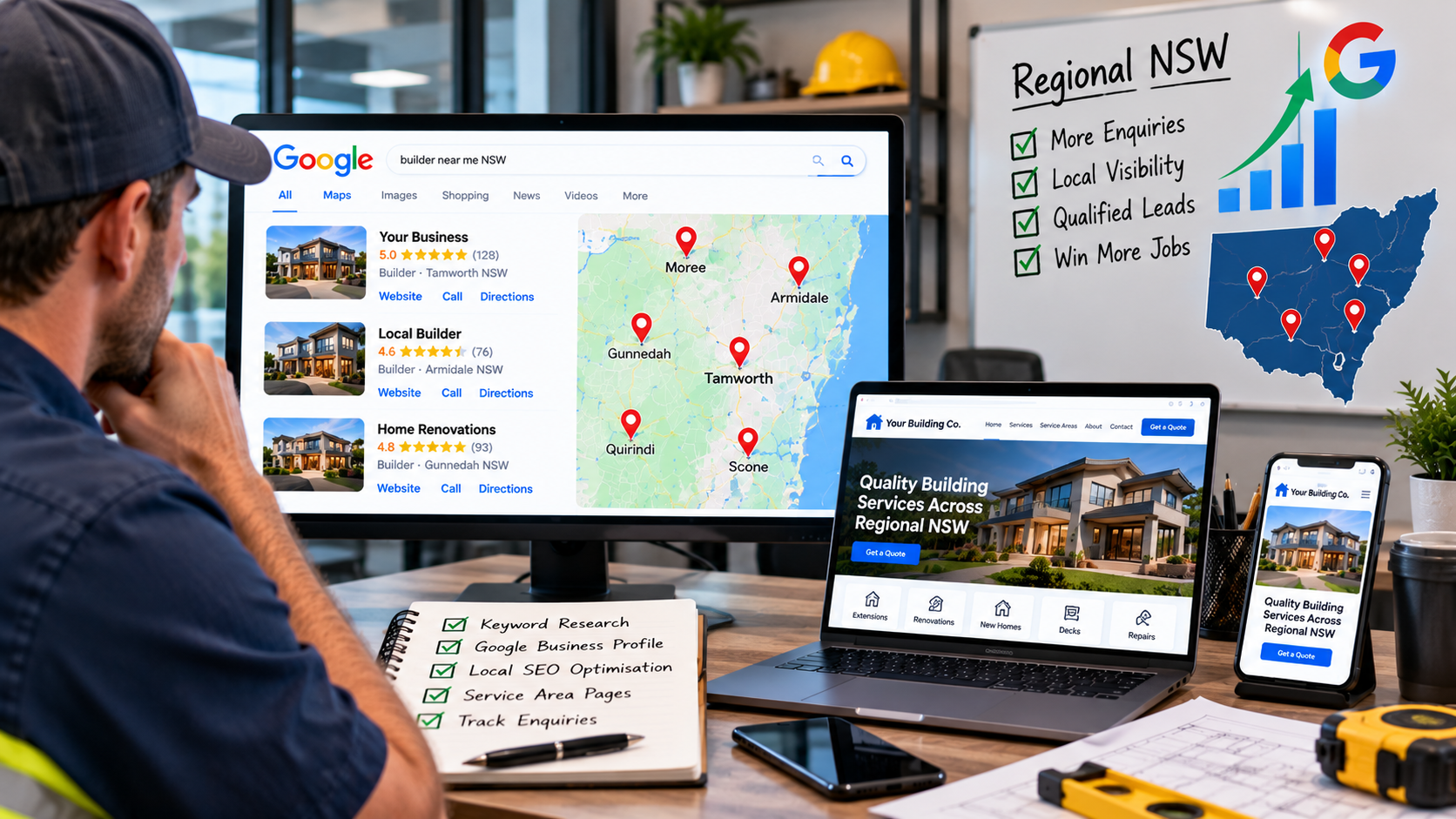
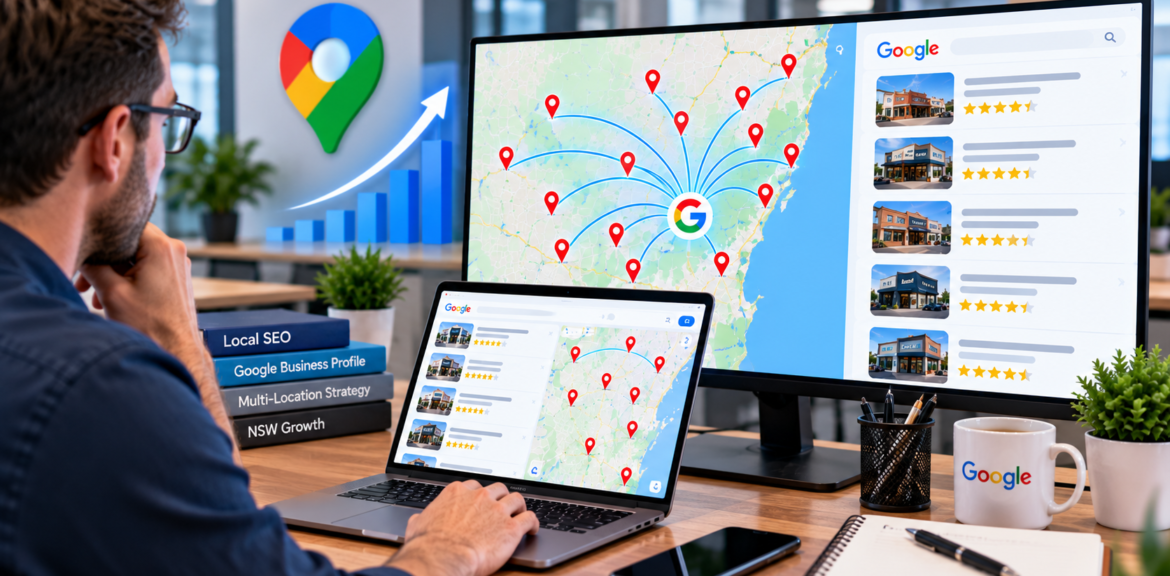

Regional businesses rarely serve just one town. A pest controller based in Dubbo might drive to Narromine, Wellington and Gilgandra. A builder in Port Macquarie takes jobs from Kendall to Laurieton. An accountant in Wagga Wagga has clients across the Riverina.
The obvious SEO move is to build a page for every town. It’s also the move that most often goes wrong. Do it badly and you end up with a pile of near-identical pages that Google treats as spam. Do it well and each page earns its place, ranks locally and brings in genuine enquiries.
This guide explains the difference.
The problem: what Google means by “doorway abuse”
Google’s spam policies name doorway abuse explicitly. In simple terms, it covers pages created mainly to rank for specific, similar searches that funnel people to the same place, rather than to genuinely help them. Typical examples include near-duplicate city pages, templated keyword-permutation pages, and multiple lookalike sites for one business.
Google’s spam policies were last updated in 2026, and they also cover scaled content abuse, which is mass-producing pages (increasingly with AI tools) mainly to manipulate rankings. You can read the policy yourself in Google Search Central’s spam policies.
The practical test is simple. If you removed the town name from a page and it would read identically to ten other pages on your site, it’s a risk. If each page offers something that’s genuinely different and useful to the people in that town, it’s legitimate.
Two kinds of business, two different approaches
Multi-location businesses
If you have a genuine shopfront, clinic or depot in several towns, each with its own staff, hours and phone number, you have a legitimate reason for separate location pages and, in most cases, separate Google Business Profiles. Each page should reflect real operational differences.
Service-area businesses
If you operate from one base and travel to customers, you’re a service-area business. You can serve many towns, but you only have one genuine location. Google Business Profile lets you list the areas you serve and hide your address if customers don’t visit you. Your website needs to support that without implying you have premises in places you don’t.
Most regional tradies, mobile services and professional practices fall into this second group, so the rest of this article focuses on them.
What makes a town page worth publishing
Before you create a page, ask whether you can fill it with substance that isn’t just a swapped place name. A good service-area page usually includes:
- A genuine reason you serve that town: travel times, how often you’re there, whether you have a regular run
- Services that are actually relevant locally: a Dubbo pest controller might highlight stock-related issues, while a Port Macquarie one deals with humidity and coastal pests
- Real local proof: jobs completed in that town, with photos taken on site, and reviews from customers there (with permission)
- Local context: council requirements, suburb names, landmarks, the weather conditions your work has to deal with
- Specific FAQs that locals actually ask
- A clear call to action with the right contact details
If you can’t write at least a few hundred genuinely distinct words for a town, you probably don’t need a page for it yet. Cover it in a wider “areas we service” page instead and build it out once you have real jobs and reviews to point to.
How to structure it: hub and spoke
A simple, sustainable pattern is:
- A main service page for each core service (for example, “Blocked drain repairs”)
- A service areas hub listing the towns you cover, linking to each town page
- Individual town pages, each linking back to the hub and relevant service pages
This helps visitors navigate and helps Google understand how your pages relate. Link naturally, using descriptive anchor text rather than stuffing every page with a list of every town.
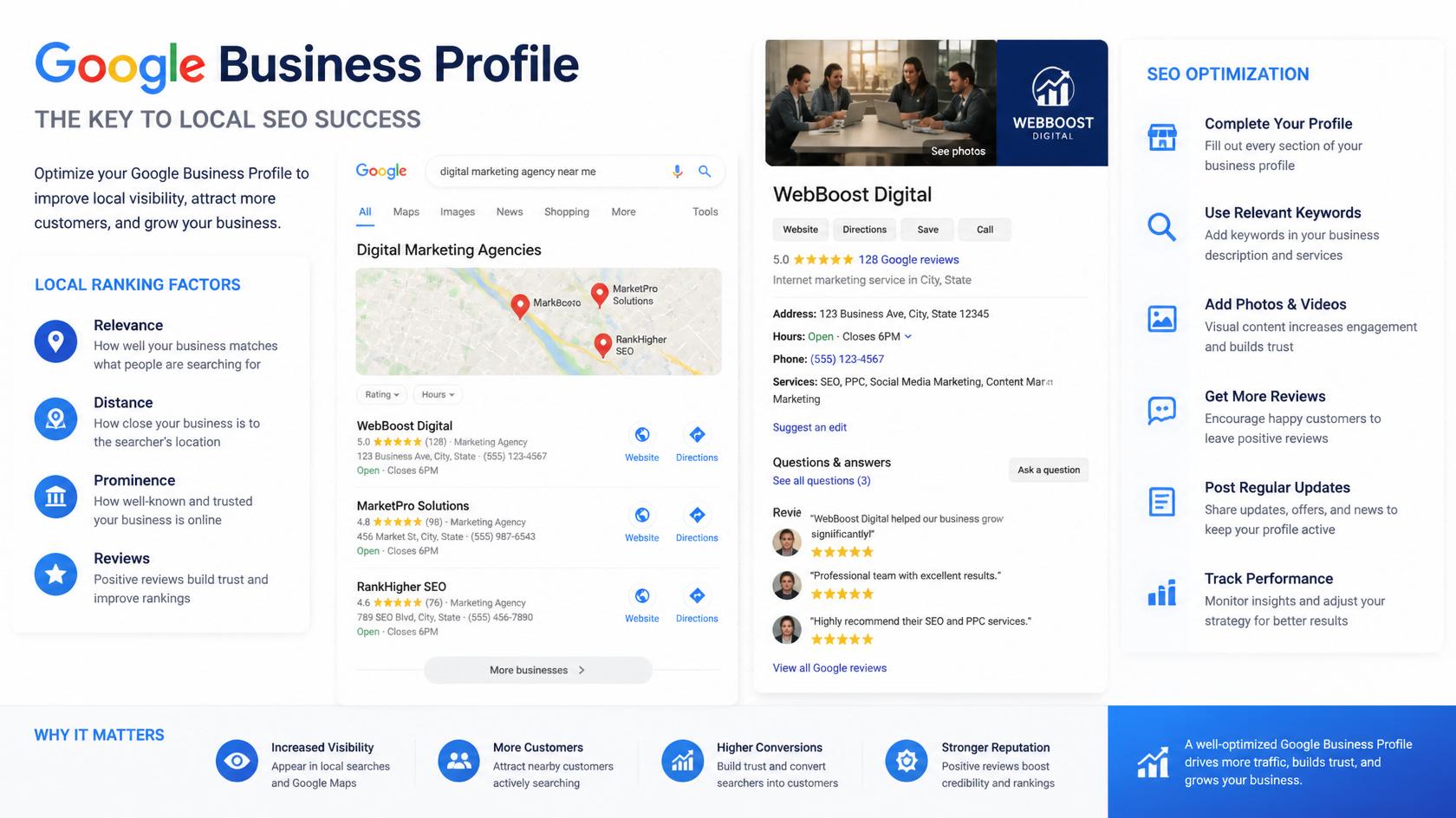
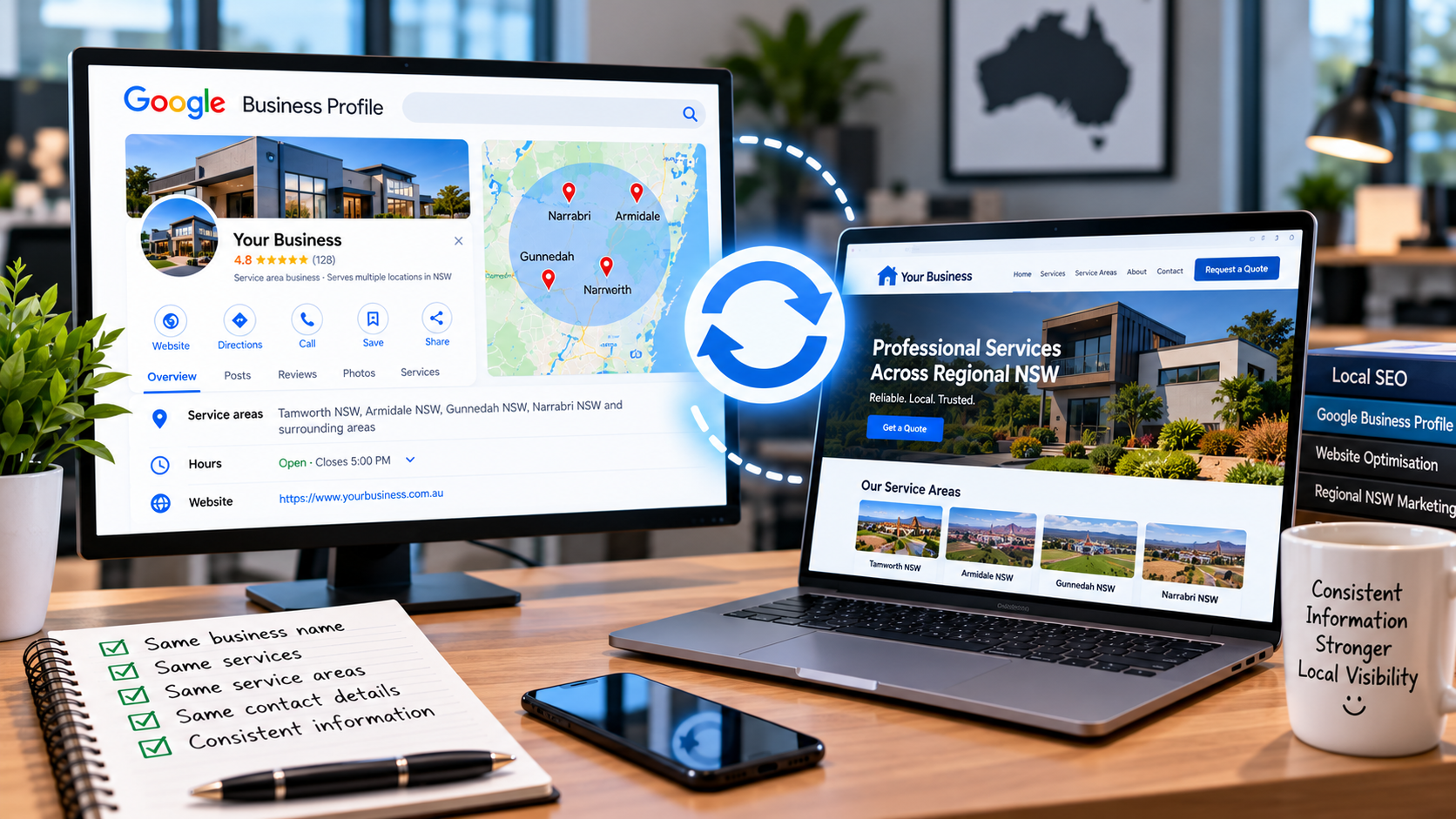
Keep your Google Business Profile aligned with your website
Your profile and your website should tell the same story.
- If you hide your address on the profile because you’re a service-area business, don’t present your site as if you have offices in every town.
- List the service areas on your profile that you realistically cover.
- Don’t create extra profiles for towns where you have no staffed premises. Google can treat them as spam and suspend them.
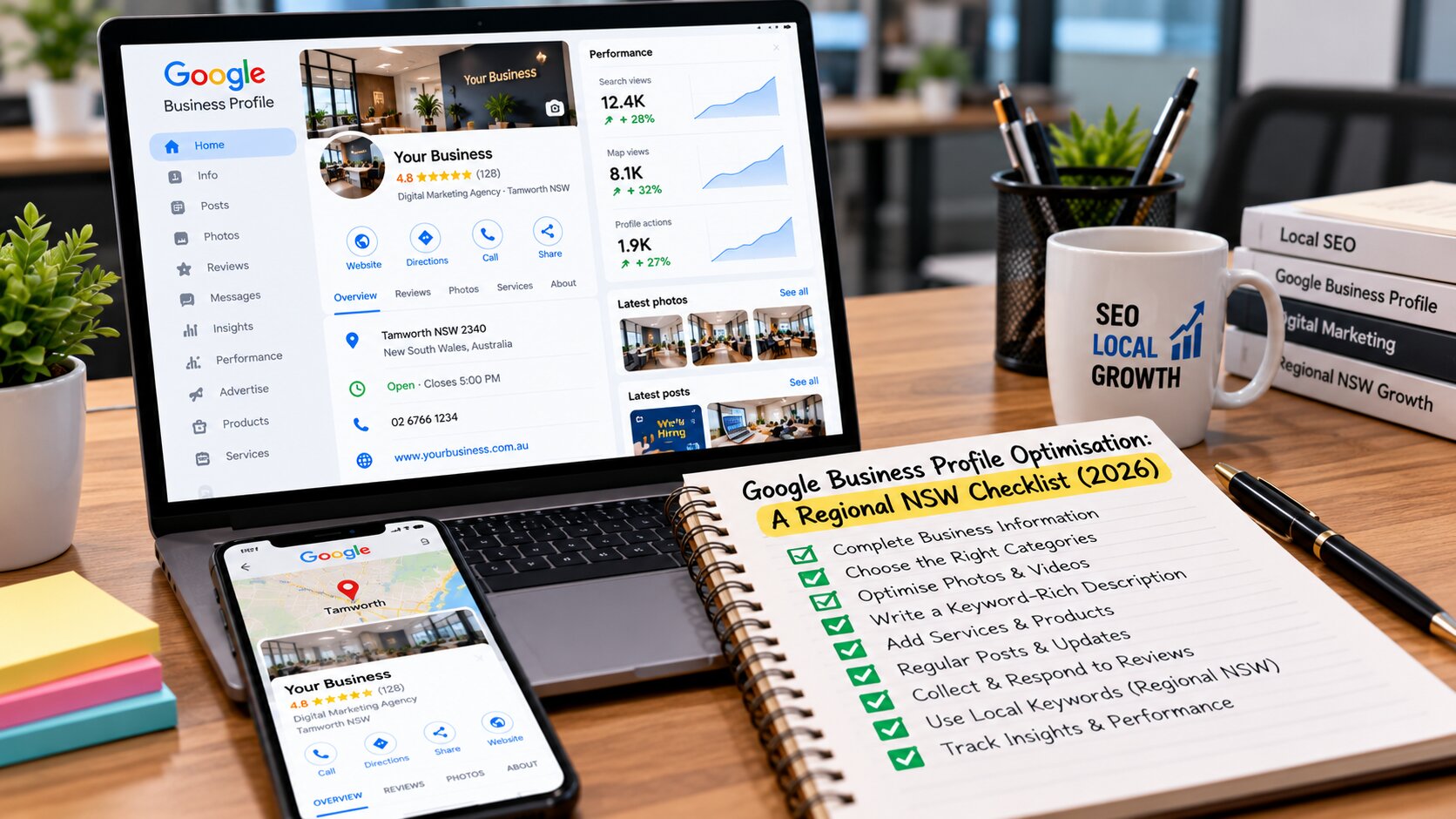
Our Google Business Profile checklist covers the service-area settings in more detail.
Use structured data honestly
Local business schema markup can describe your business and the areas you serve. Used accurately, it helps search engines understand your coverage. Used to claim locations you don’t have, it works against you. Keep it consistent with your visible content and your profile.
Examples of how this looks in regional NSW
Different towns have genuinely different commercial landscapes, which is exactly what makes distinct pages possible.
- Dubbo sits at the centre of a large agricultural and transport region, so businesses there often serve customers across the wider Central West.
- Orange has a strong food, wine, healthcare and education economy.
- Wagga Wagga is the commercial hub of the Riverina, with healthcare, logistics, education and defence-adjacent industries.
- Newcastle and Wollongong are dense, competitive markets where local differentiation matters even more.
- The Central Coast, Coffs Harbour, Port Macquarie and Armidale each have their own mix of tourism, lifestyle, trades and professional services.
If your business covers more than one of these regions, the content on each page needs to reflect those differences, not repeat the same paragraph with a new name.
A quick audit you can do today
Open your site and check:
- Do any two town pages share more than about half their text?
- Could you replace the town name and have the page still make sense?
- Does each page have at least one piece of local evidence, such as a photo, review or project?
- Are you listing towns where you genuinely don’t work?
- Is each page linked from a sensible place on your site?
If you answered yes to the first two or no to the third, it’s time to consolidate or rewrite. Pruning thin pages often helps more than adding new ones.
What to avoid
- Mass-generating pages with AI or plugins that only swap in a suburb name
- Publishing a page for every postcode in a 200 km radius
- Buying lookalike domains for each town
- Copying competitors’ town pages
- Hiding keyword lists or stuffing town names in footers
How we help
Local page structure is a core part of our local SEO service and broader search engine optimisation work. We research where your customers actually are, decide which towns warrant their own page, and help you gather the real photos, reviews and details that make those pages genuinely useful. Want a quick view of how your current site measures up? Request a free SEO analysis.
You might also like our guide on local link building for regional businesses, which explains how to earn the local mentions that support these pages.